New features unwrapped every weekday 'til Christmas





Everything unwrapped so far…
Day 12
Blur and Highlight
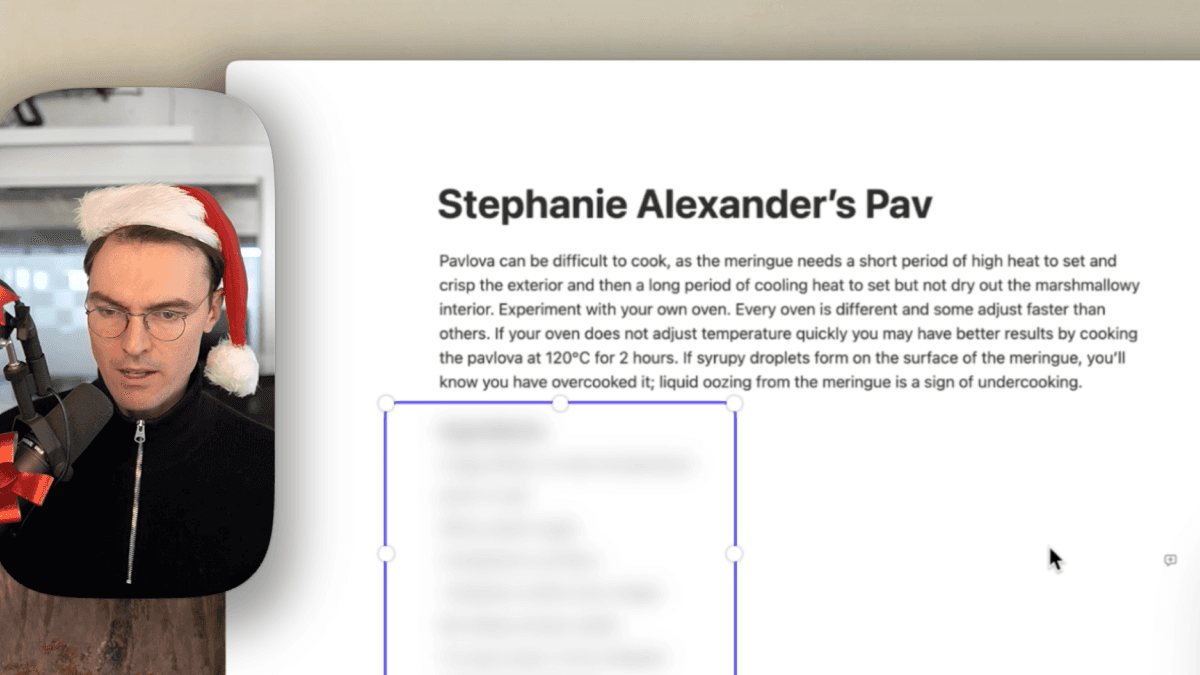
Now you can hide sensitive info in your screen recordings by blurring it out.
We've also added a highlighting feature. This let's you focus your viewer's attention to a specific area in your screen recording.
Blurring and highlighting are in beta and available in the new Effect tool.
Day 11
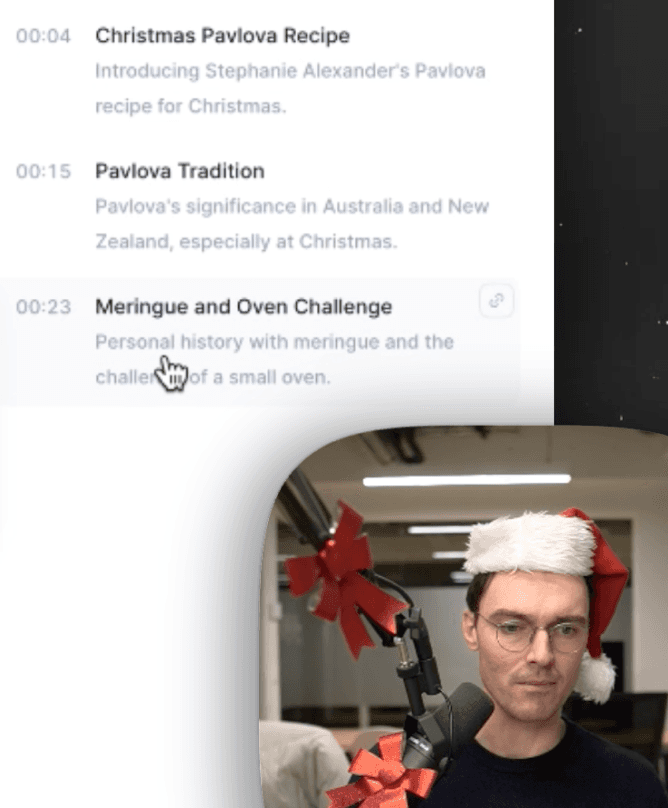
Chapter Improvements
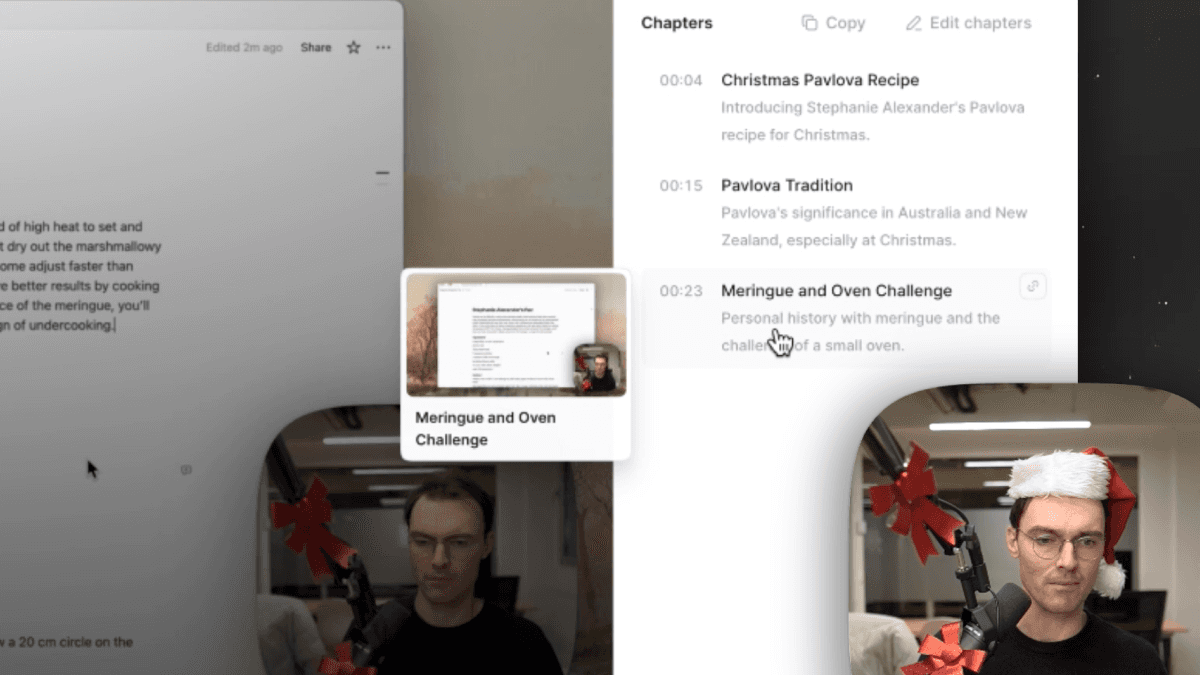
Today we've got a string of improvements to our Chapters feature:
They're automatically generated
They're available in the editor
You can create new clips from them
Generation times are way faster
Eleven down, one to go. What a blur!
Day 10
Trash
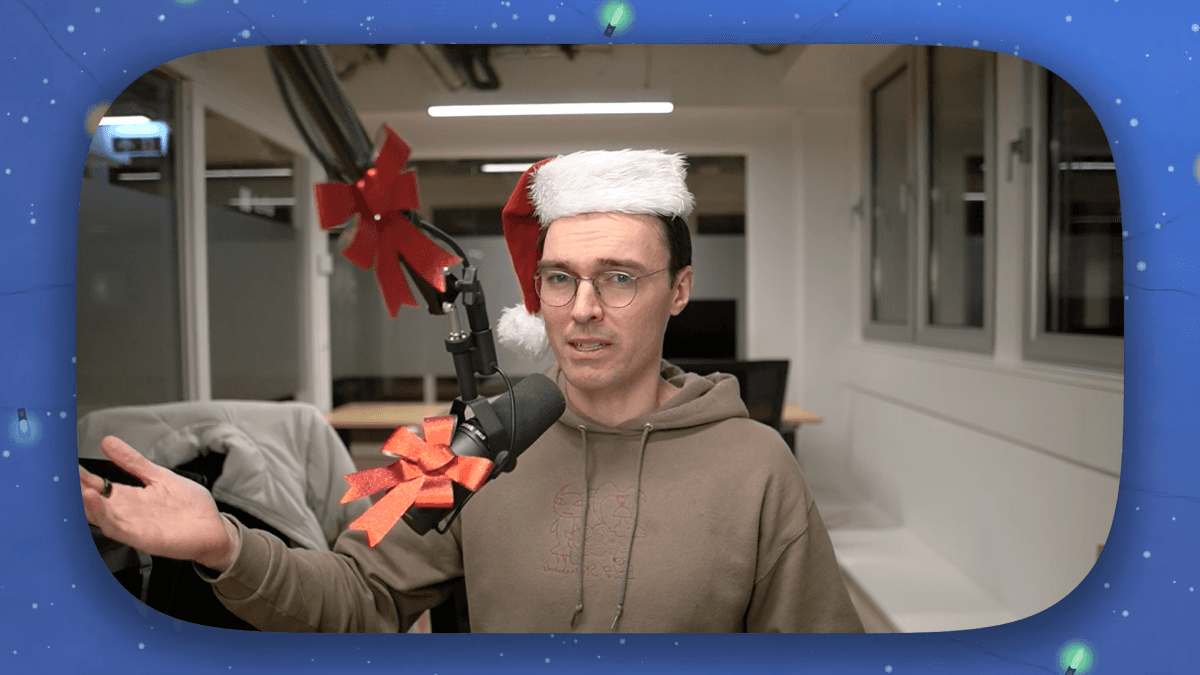
Look - we're running out of ideas and our Claude Code bill is through the roof.
Did you really think we could keep this up for 12 days??
But to be honest, this is actually a great feature.
If you accidentally delete a video, there's no need to panic any longer. Just open your trash can and restore it.
Day 9
Playlist Organisation
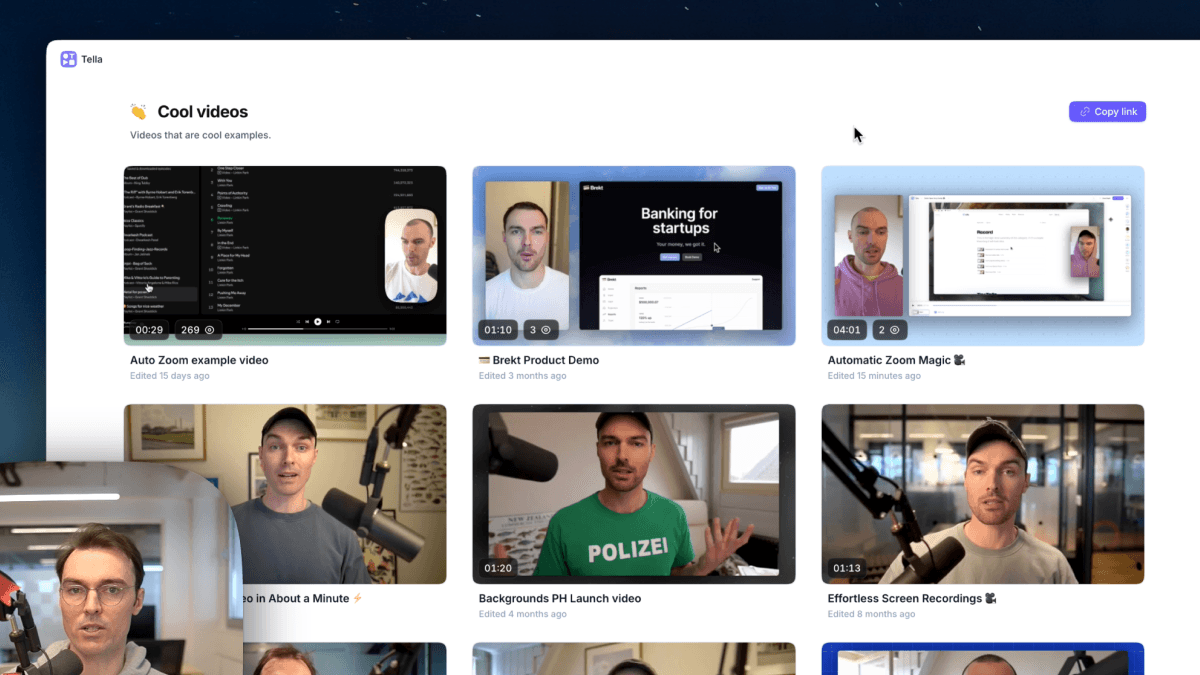
Today we're launching two new improvements to Playlists.
Re-order your playlists in the sidebar - just click and drag
Sort and re-arrange the videos in a playlist
Day 8
API & MCP

Today we're announcing the Tella API! Now you can start building on top of Tella and extending it to the rest of your workflows.
We've also shipped...
An MCP server, so your favourite LLM can interact with the API
The embedded player SDK, so you can integrate it deeper into your web pages
Check out the API docs here and watch the demo to see how other customers are already using the API.
Day 7
Quick Mode
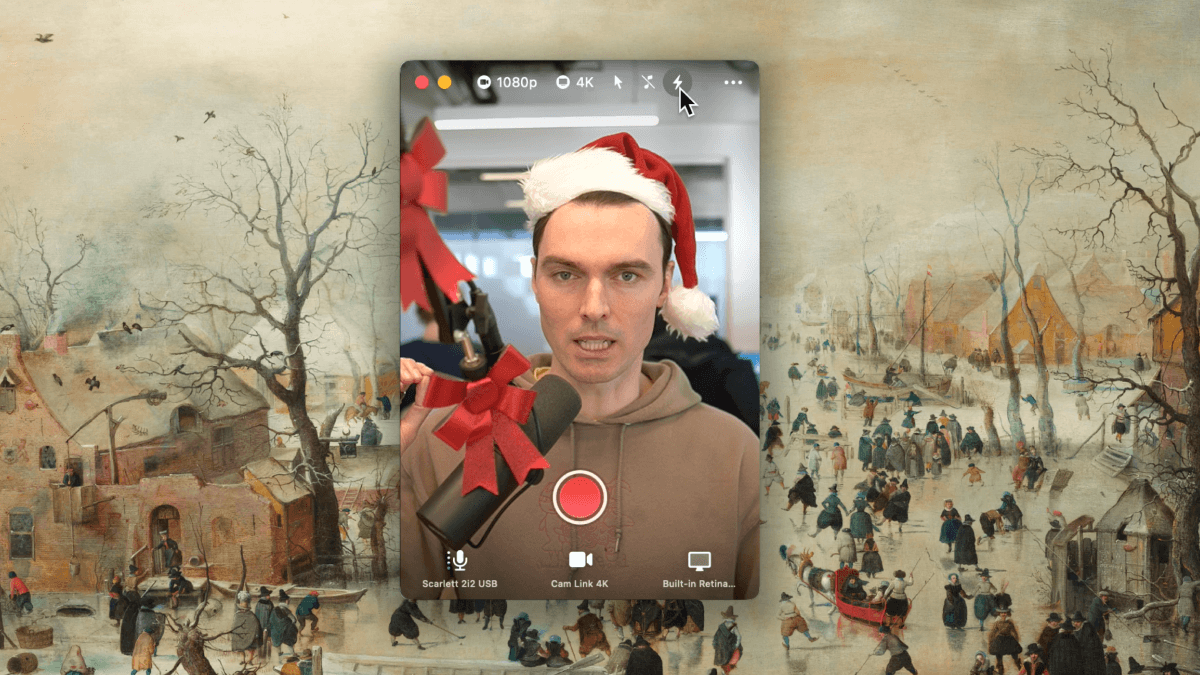
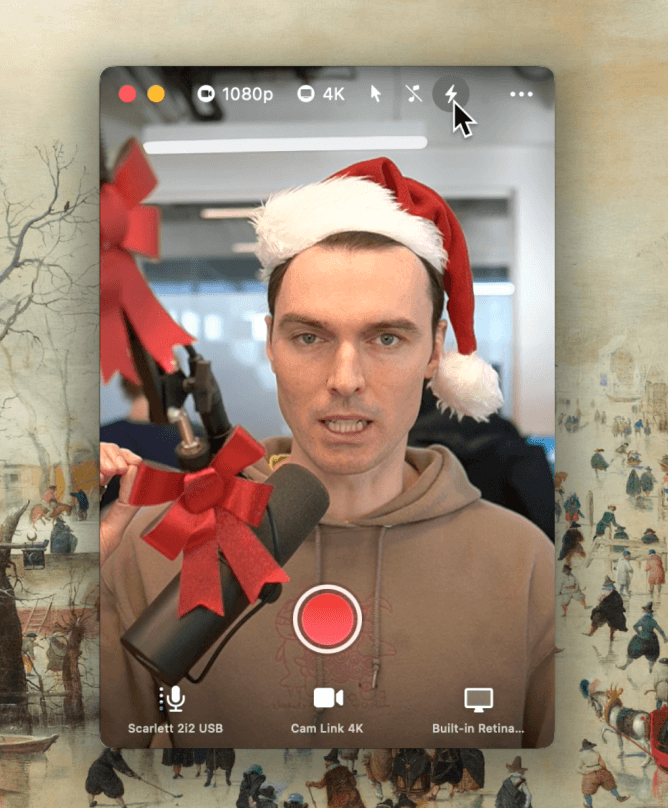
Today we're launching Quick Mode. It's the fastest way to record and share videos. Turn on Quick Mode in the macOS app or the web recorder. When you stop recording you're redirected to the view page with its link automatically copied to your clipboard.
Day 6
Music
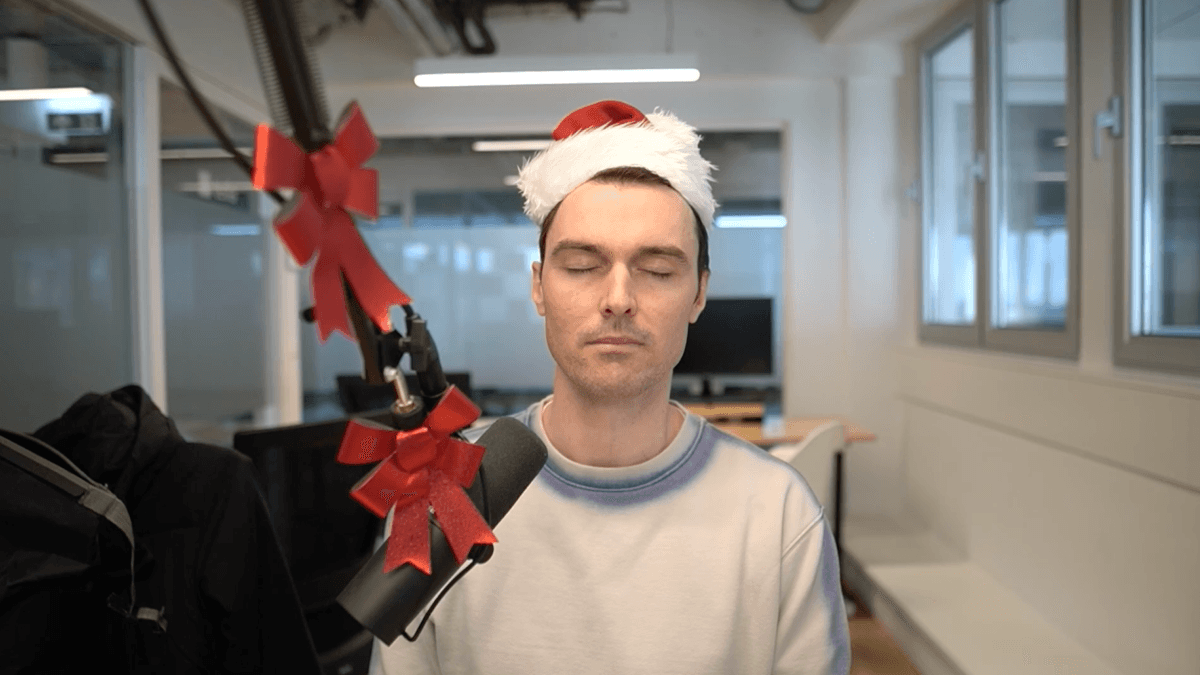
Today we're launching music. Set the mood on every video with a background soundtrack. Pick one of our nice default tracks or upload your own.
Background music isn't just a cool extra effect — it actually makes your videos better.
Your audience is most likely to tune-out during the quiet parts of your video. But background music becomes a subtle stimulant, keeping our brains switched on.
In addition to music, we've added a bunch of new volume controls. You can adjust the volume of your music, microphone, and system audio.
Day 5
Migration Tool
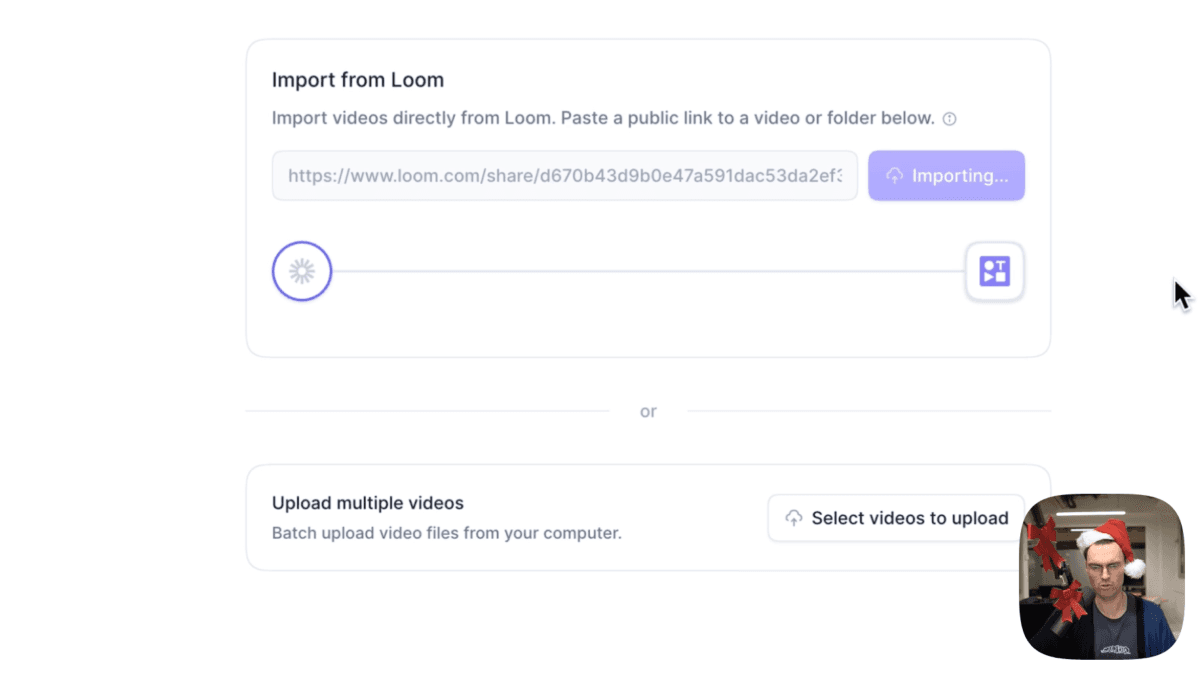
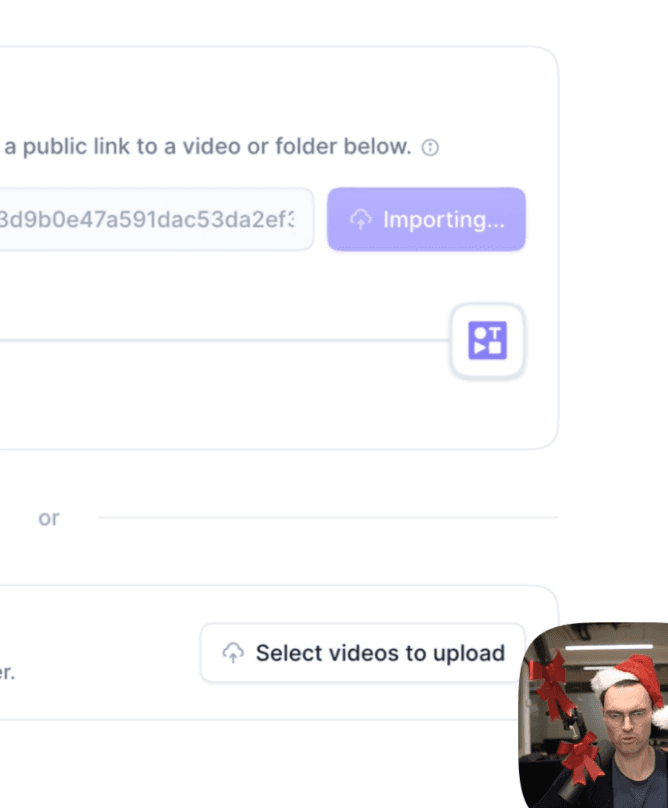
Today we're launching the migration tool. Migrate your videos from Loom in 2 clicks. 🤯 Move individual videos or entire folders. They'll get automatically migrated into your Tella account, ready to move into a Playlist. You can also batch-upload multiple video files from your desktop.
Day 4
Transcript Dictionary
and Find & Replace
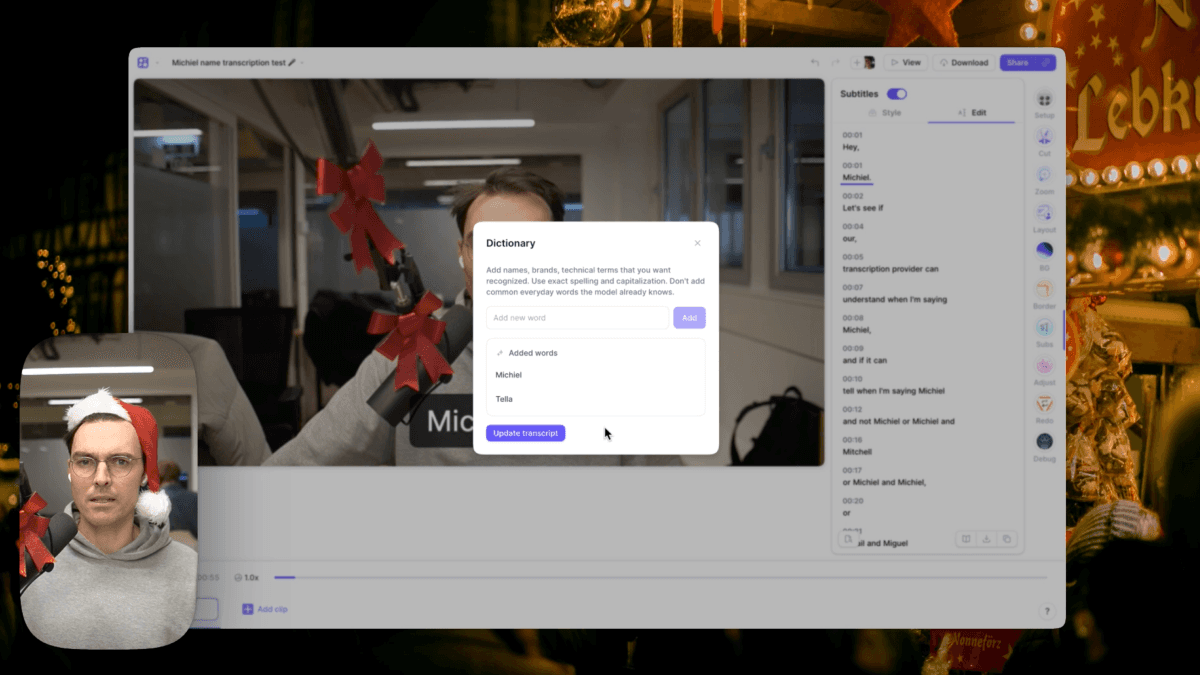
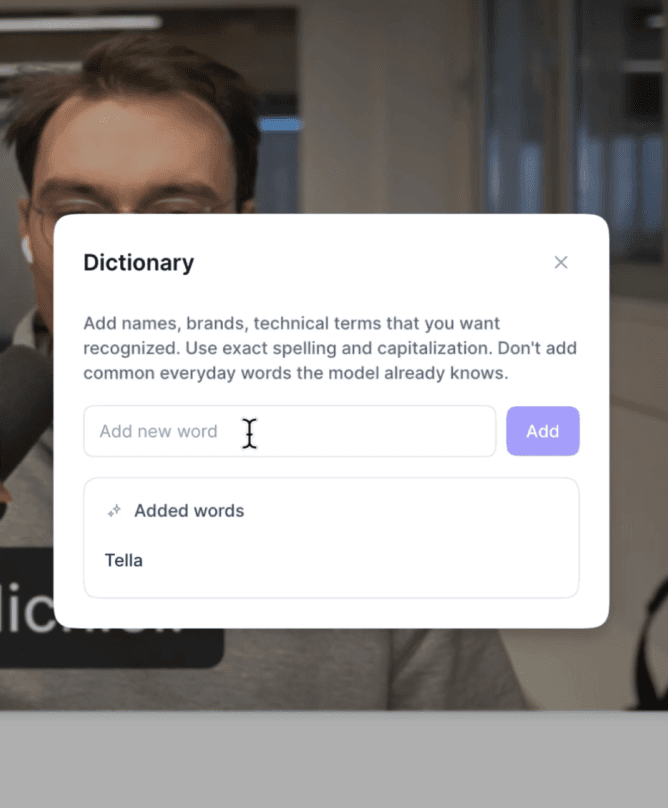
Today we're launching the transcript dictionary and find & replace. Create your own dictionary of words and terms that our transcript AI model can learn. It's perfect for names, brand names, and domain-specific terms. On top of that, we've added find & replace to the subtitles editor to make those final manual changes a little easier.
Day 3
Timelapse Exports
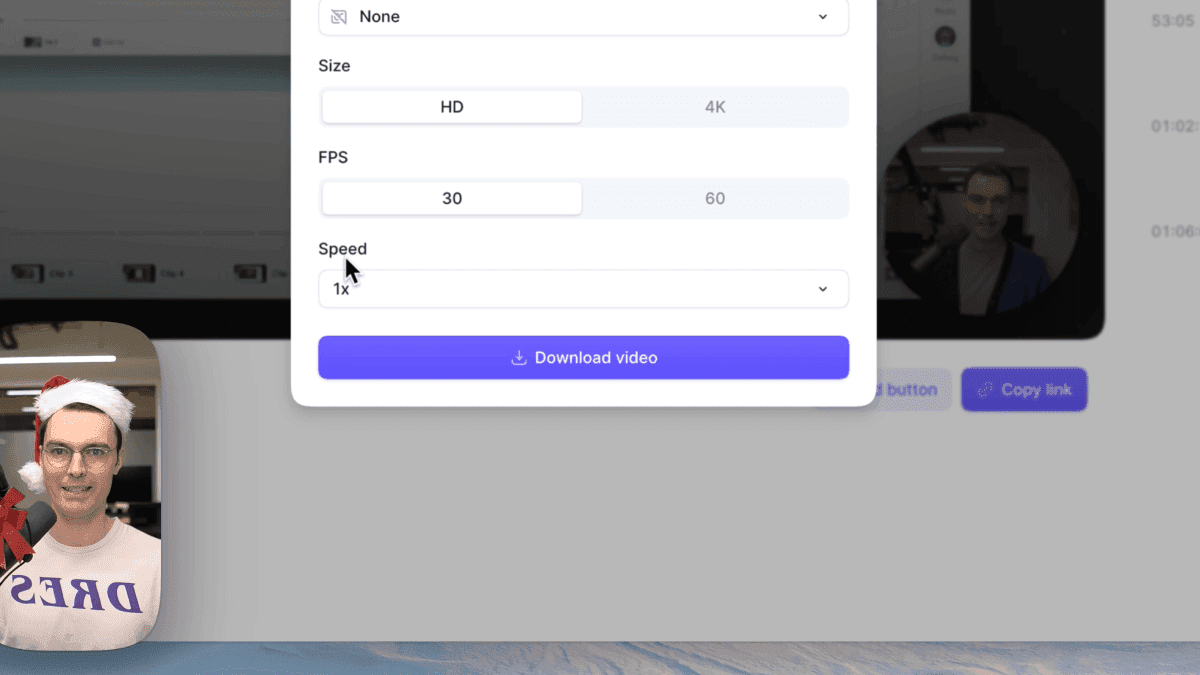
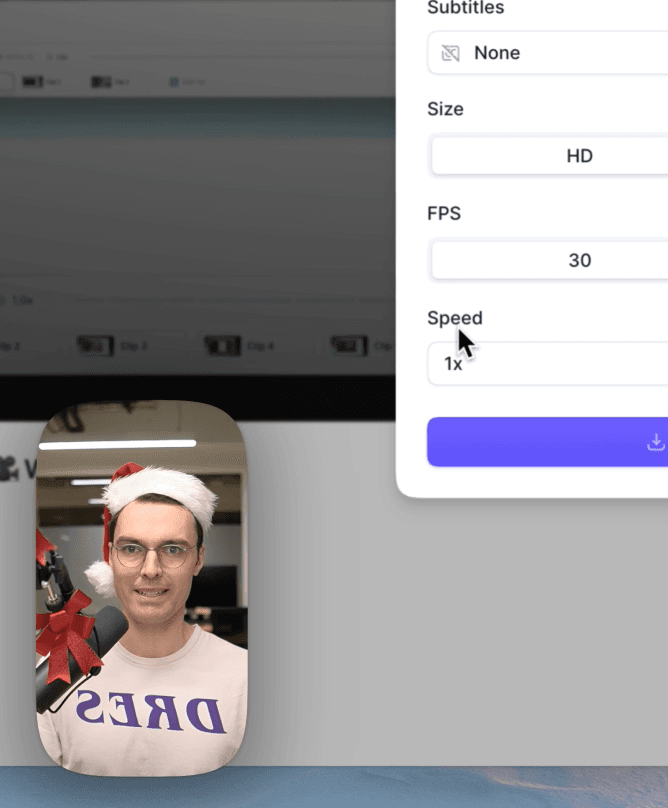
Today we're launching timelapse exports. Now you can export your video at a faster playback speed. Pick up the pace a little with 1.2x or go nuts and export at 8x speed.
Day 2
Squircles
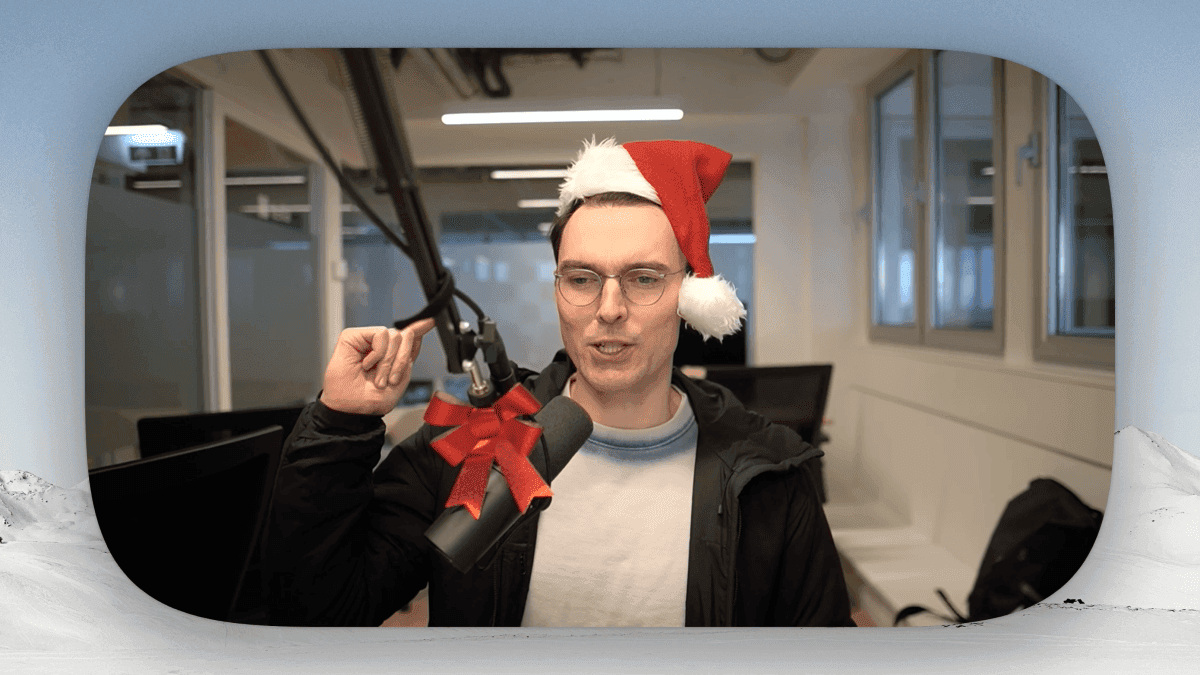
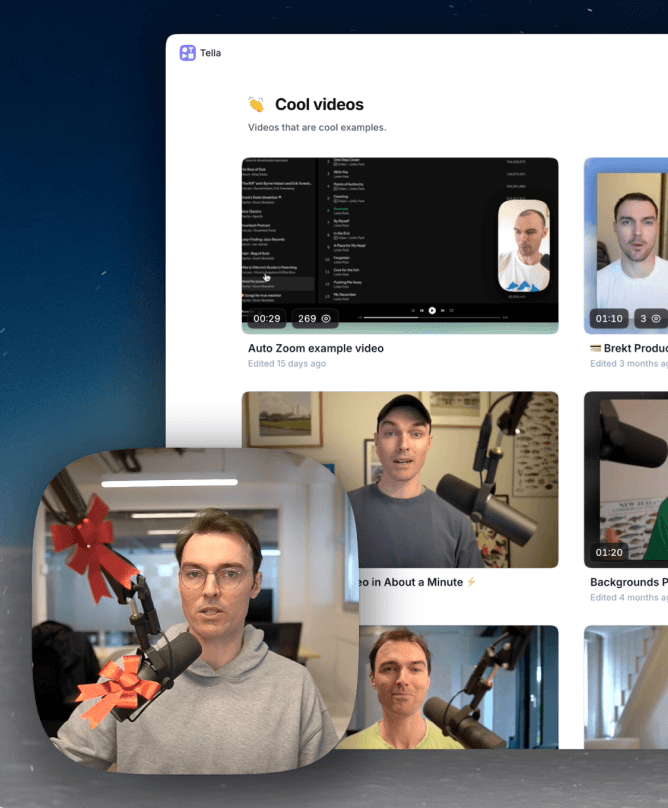
Today we're launching squircles! Finally, you can give your camera that extra rounded, extra smooth look. Squircles are available as a new border style and work with all your favourite layouts. Try squircles in your next video.
Day 1
Comments
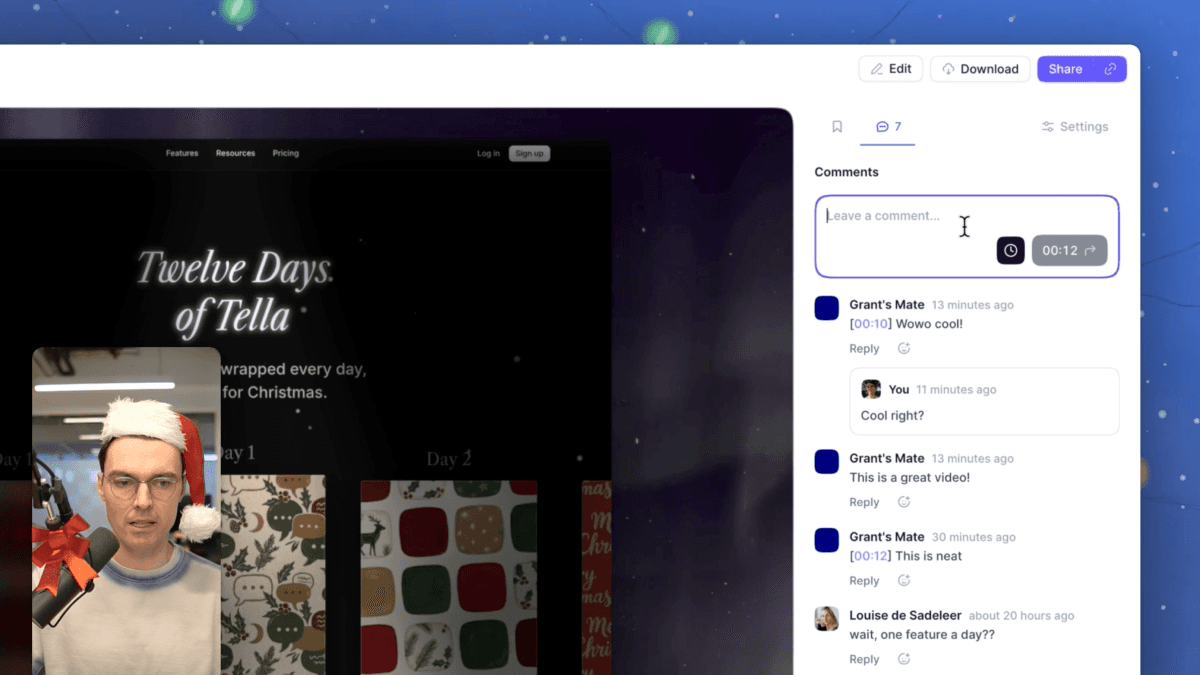
Today we're launching our brand new Comments feature. It's been completely re-designed and re-built. We've also added timestamped comments, threaded replies, admin features for video owners and improved notifications. Try the new comments feature today.